Introduction
If you’ve ever needed a poster fast and ended up staring at a blank Canva canvas instead, you already know the pain this Link to Posters review is about to cover. This is a custom GPT that says it can take any link — an event page, a product listing, a sales page — and turn it into a finished, correctly sized poster in under three minutes, with the headline and call to action already designed on. I dug into the sales page, the workflow, and the fine print so you know exactly what you’re getting before you buy.
What Is Link to Posters?
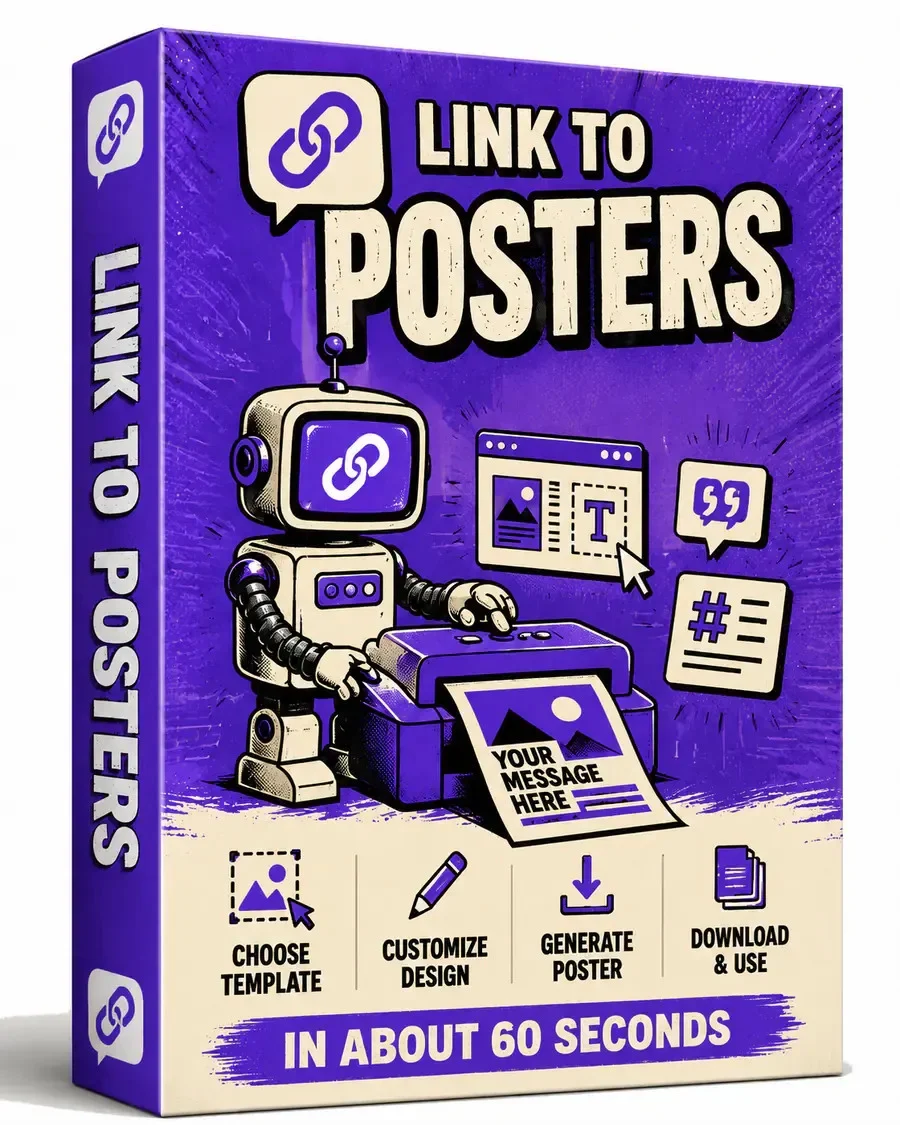
Link to Posters is a custom ChatGPT GPT that reads a link you paste, pulls the real facts from it, and outputs finished poster images sized for social media, print, or digital signage. It comes with full private label rights, so buyers can rebrand and resell it as their own.
Product Overview
| Field | Details |
|---|---|
| Product Name | Link to Posters |
| Vendor | Justin Opay |
| Launch Date | 2026-08-12 |
| Price | $16.72 |
| Official Website | plrmate.com/link-to-posters |
| Niche | AI poster generator / PLR digital product |
(https://aitoolsreviewz.com/canva-creator-vault-review-2026/)

Benefits and Features
Source-accurate briefs. Before it designs anything, the GPT pulls the date, venue, price, and offer straight from your link and flags anything missing as “not stated in source” instead of guessing. That matters because a wrong date on a printed poster is expensive to fix.
Finished images, not prompts. Rather than handing you a text prompt to paste somewhere else, it delivers the actual designed poster file, with headline and call to action already placed. That’s the main gap it’s trying to close versus asking plain ChatGPT for a poster.
Every format as its own file. Pick Instagram and A4 print together, and you get two separately composed files rather than one image squeezed into two shapes. Each layout is redrawn per ratio.
Print-ready specs included. For A4, A3, A5, US Letter, and Tabloid, it hands you the DPI, bleed, and safe margin alongside the poster, so the file is set up before it reaches a printer.
Matching captions and usage notes. Every poster ships with a caption and a note on where to post or how to print it, saving a separate copywriting step.
Full PLR rights. Buyers can edit, rebrand, and resell the entire system and keep the proceeds, which is the core appeal for PLR marketers.
How Link to Posters Works
- Pick your size and destination. Choose Instagram, Facebook, LinkedIn, Pinterest, print formats, digital signage, or a custom size.
- Pick your poster type. Event, promo, product, announcement, quote, hiring, menu, webinar, or movie — each has its own layout recipe.
- Pick a visual style. Clean modern, dark premium, bold retail, minimal editorial, and several others, or describe your own.
- Paste your link. The GPT reads the page and extracts the real details rather than inventing them.
- Get your finished poster pack. You receive the source brief, the poster image files, and the usage notes with captions.
(https://aitoolsreviewz.com/honest-ai-voice-print-review-2026/)
Link to Posters vs. the Alternatives
| Criteria | Link to Posters | Manual Design (Canva/Photoshop) | Plain ChatGPT Prompts |
|---|---|---|---|
| Ease of Use | Three questions, then paste a link | Requires template hunting and design skill | Inconsistent, needs prompt skill |
| Features | Finished files, briefs, captions, print specs | Full manual control, no automation | Text or a single rough image |
| Pricing | One-time $9.95–$37 | Free to $20+/month | Included in ChatGPT Plus |
| Learning Curve | Low | Moderate to high | Low, but unreliable results |
| Support | Email support | Community/help center | None dedicated |
| Overall Value | High for repeat poster needs | High for full creative control | Low for consistent output |
| Winner | Link to Posters (for speed and consistency) | Manual Design (for full customization) | — |
Pros and Cons
Pros
- Produces finished poster images, not just prompts
- Pulls real facts from the source link instead of inventing details
- Delivers each size as its own properly composed file
- Includes print specs (DPI, bleed, safe margin) automatically
- Comes with a matching caption for every poster
- Full private label rights included
- Works from event pages, sales pages, menus, or pasted text
- Standalone Prompt Editor Page works without ChatGPT
Cons
- Requires a paid ChatGPT account that supports image generation
- No refund or guarantee terms listed on the sales page
- Launch date and exact upgrade pricing aren’t disclosed upfront
Conclusion
Overall, this Link to Posters review comes down to one question: do you make posters more than once? If the answer is yes, the combination of a source-accurate brief, finished multi-format files, and full PLR rights makes it a practical pickup at its current dimesale price. It won’t replace a designer who wants total creative control, but for fast, repeatable, correctly sized posters, it does what the page claims. If that fits your workflow, checking the current price before the dimesale climbs is worth doing sooner rather than later.
FAQs
1. What does Link to Posters actually do?
It takes a link, pasted text, or an uploaded file and turns it into a source brief, finished poster images in the sizes you pick, and usage notes with a caption for each one.
2. Is this a Link to Posters review based on real testing or just the sales page?
This review is based on a close read of the vendor’s official sales page and product description; direct hands-on testing wasn’t part of this write-up, so treat the workflow claims as the vendor’s own.
3. Does it generate actual images or just text prompts?
Real images. The vendor states that delivering only a prompt is explicitly forbidden in the system’s instructions.
4. Do I need design skills to use it?
No. You answer three quick questions, or say “use defaults” to skip them, and the layout and color decisions are handled for you.
5. Can the posters be used for print?
Yes, for A4, A3, A5, US Letter, and Tabloid, with dimensions, DPI, bleed, and safe margin supplied. Double-check those specs against your printer’s requirements first.
6. What happens if a link is broken or behind a login?
The GPT tells you and asks you to paste the content directly instead of guessing.
7. Will it invent a price or date if the source doesn’t include one?
No — anything missing is marked “not stated in source” rather than filled in.
8. Do I need a paid ChatGPT account?
Yes, one that supports custom GPTs and image generation, since that’s what produces the finished poster files.
9. What rights come with Link to Posters PLR?
A full private label license, letting buyers edit, rebrand, sell, or bundle the product and keep 100% of the proceeds.
10. Is there a Link to Posters PLR guarantee or refund window?
Not specified by the vendor on the current sales page — confirm this with support before purchasing if it matters to you.