Introduction
If you publish children’s workbooks on Amazon KDP, you already know the problem: everyone’s book looks the same. That’s exactly the gap this EchoBooks AI review digs into — a tool built by self-publishing software developer Leo Sterling that turns a plain word list into a print-ready workbook where every page plays real audio through a printed QR code.
The pitch is simple. Paste a word list, pick a theme and a voice, and in about three minutes you get a KDP-ready interior, a full-wrap cover, and an Amazon listing pack — with a child able to scan any page and hear the word taught out loud, no adult required. No app, no login, just a phone camera.
I went through the sales materials, the sample pages, and the live demo QR code line by line to see whether the claims hold up, where the tool falls short, and who should actually buy it.
[https://aitoolsreviewz.com/elite-kdp-engine-review-2026/]
What is EchoBooks AI?
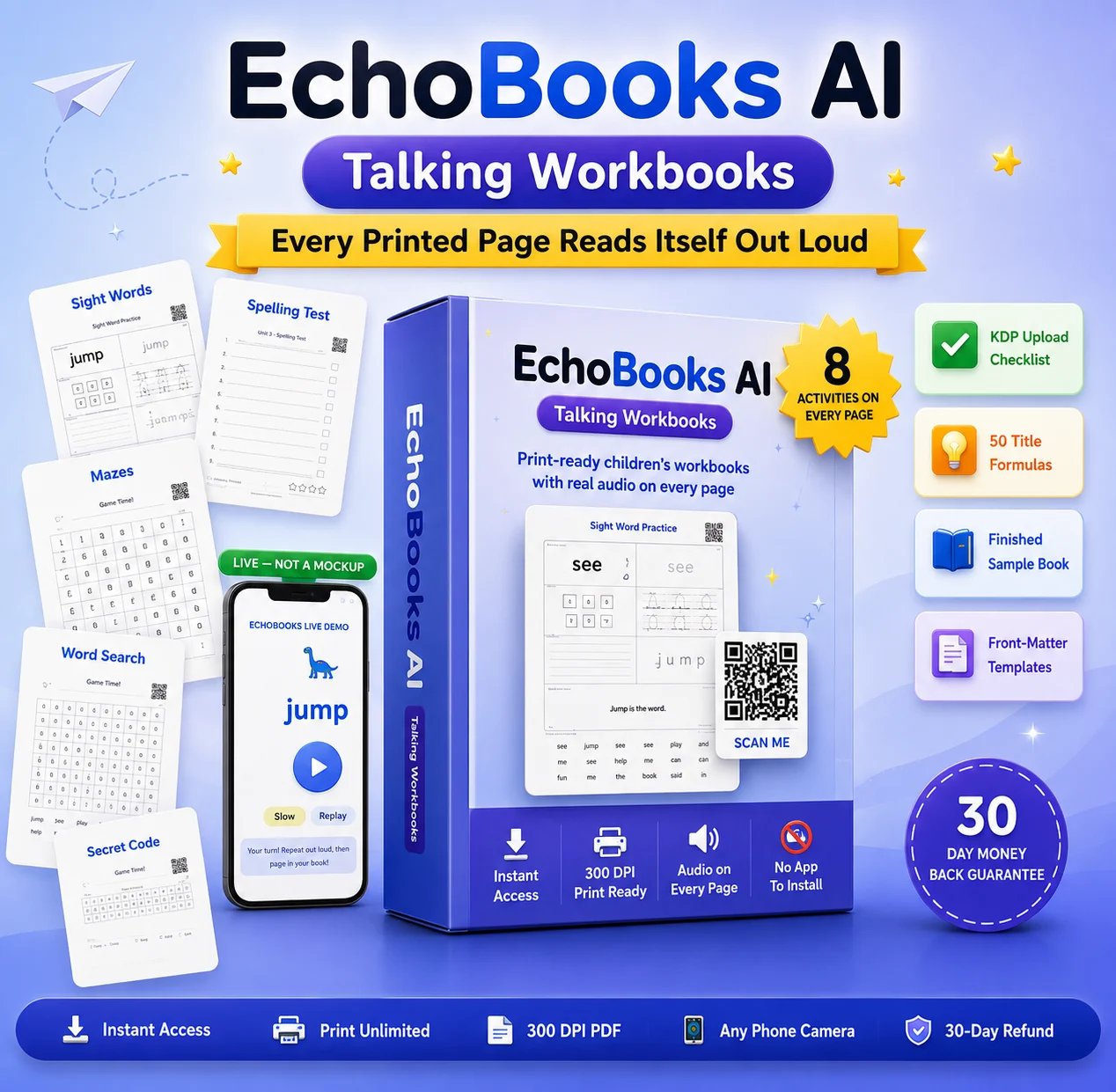
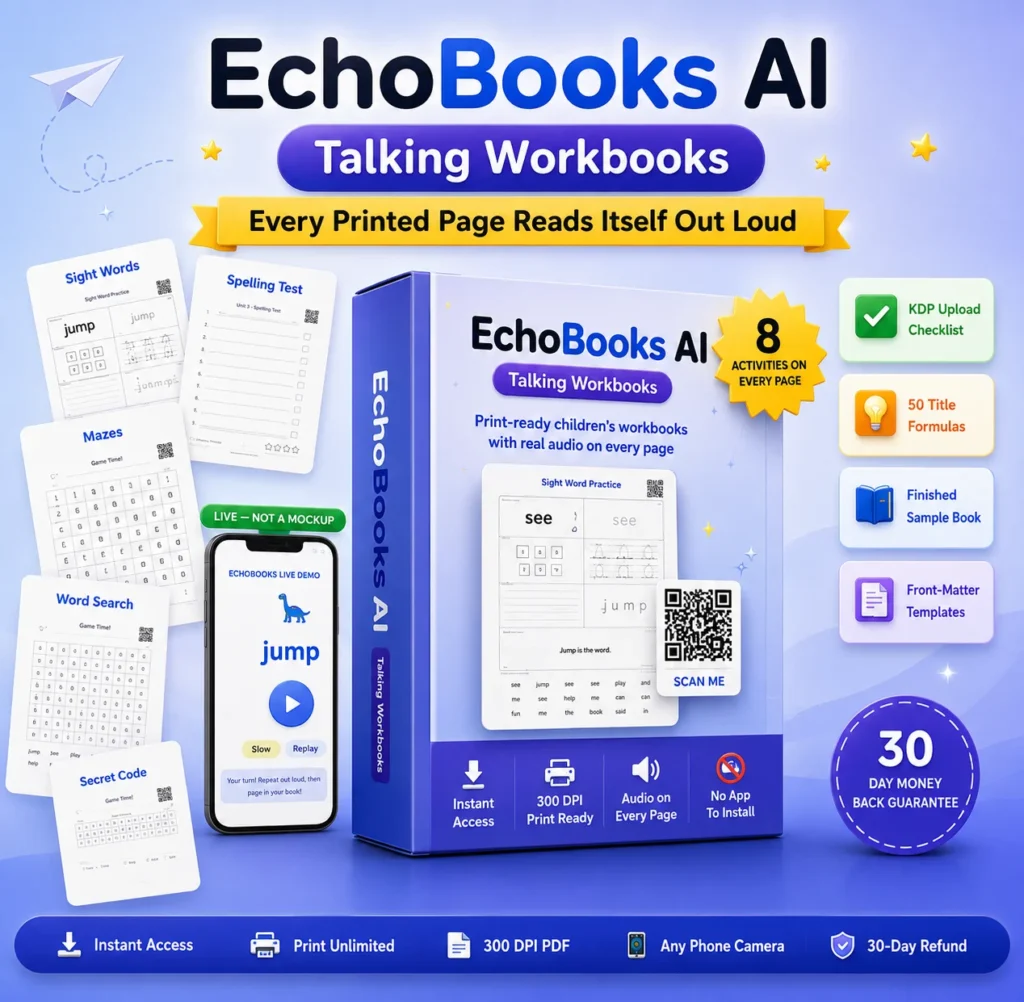
EchoBooks AI is a cloud-based tool that turns a sight-word or spelling list into a print-ready children’s workbook for Amazon KDP, Etsy, and Teachers Pay Teachers. Each page carries a QR code linking to real audio that teaches, spells, and uses the word in a sentence, plus a matching full-wrap cover and Amazon listing pack — generated in about three minutes.

Product Overview
| Field | Details |
|---|---|
| Product Name | EchoBooks AI |
| Vendor | Leo Sterling |
| Launch Date | August 10, 2026 |
| Price | $17 one-time (front-end) |
| Official Website | https://echobook.leosterling.net |
| Guarantee | 30-day money-back guarantee |
| Niche | Self-publishing / KDP workbook creation software |
Product Benefits & Features
QR-code audio on every page. Each word page links to a hosted audio clip that teaches, spells, and uses the word in a sentence. This is the tool’s core differentiator — most competing workbooks are silent, so a book a child can actually use alone stands out in the KDP “Look Inside” preview.
389-word illustrated library. Every word already has a matching line-art image, which removes the need to buy or search for stock clipart and keeps every page visually consistent.
Eight activities per word page. Read, colour, build, trace, write, fix, read-the-sentence, and find-it activities are laid out automatically, so a single word generates a full page of practice rather than one exercise.
Games and review checkpoints. A game (word search, matching, secret code, or maze) appears every five words, and a review checkpoint lands every ten, which mirrors how paid workbook designers structure a book manually.
Full-wrap KDP cover generator. The spine width is calculated from the exact page count, and the barcode area is left clear automatically — a step that often trips up first-time publishers.
Etsy and mockup image exports. Because a print-wrap PDF doesn’t work for Etsy’s download-and-print buyers, the tool also outputs a 2000×2000 listing image and a flat 300 DPI cover.
Amazon Listing Pack. A generated text file with a title, description, seven backend keywords, category suggestions, and a price range — all built for that specific book rather than a generic template.
Permanent audio hosting. Unlike a $5–20/month QR code service, the audio hosting is included with no recurring fee, which matters because a dead QR code in a printed, already-sold book can’t be fixed.
[https://aitoolsreviewz.com/trend-hunter-ai-review-2026/]
How It Works
- Pick a word list. Choose Dolch Pre-Primer, Dolch Primer, or Spelling Grade 1 — the words load automatically, no manual entry.
- Pick a theme and voice. The AI writes a teaching script for every word; you can edit any line or preview the audio before generating.
- Generate the book. Clicking generate produces the interior PDF, cover PDF, and listing pack together, with the QR audio live immediately.
- Review the page grid. A preview grid shows every page that will print, each with its own working QR code, so you can check the book before download.
- Download and upload. Download the interior, cover, and listing files, then upload them yourself to KDP, Etsy, or Teachers Pay Teachers.
Comparison
| Category | Doing It Yourself | EchoBooks AI |
|---|---|---|
| Ease of Use | Manual layout in Canva or similar, steep learning curve | Guided 3-step wizard, no design skill needed |
| Features | Must source fonts, tracing lines, clipart, and audio separately | Built-in illustrations, activities, games, and audio in one flow |
| Pricing | $50–150+ per book (design, stock images, audio, QR hosting) | $17 one-time, unlimited books from included lists |
| Learning Curve | Days to learn layout, KDP specs, and cover math | About three minutes per book once set up |
| Support | Self-taught via forums and tutorials | Direct email support from the creator |
| Overall Value | High time cost, ongoing subscription risk for QR hosting | Low cost, one-time payment, no recurring hosting fee |
| Winner | — | EchoBooks AI |
Pros and Cons
Pros
- Genuine differentiator in a saturated KDP niche — audio QR codes on every page
- No recurring QR hosting fee, unlike third-party QR services
- Full-wrap cover with spine auto-calculated from page count
- Amazon listing pack (title, description, keywords) generated per book
- Etsy- and TPT-ready export formats included, not sold separately
- Editing a word after publishing keeps the same QR code, so printed copies stay working
- 30-day refund that doesn’t disable already-printed QR codes
- Beginner-friendly, with a KDP upload checklist included for first-time publishers
Cons
- Front-end $17 tier is limited to Dolch Pre-Primer, Dolch Primer, and Spelling Grade 1 word lists only
- Only one voice and two illustration themes are included at the base price
- You still have to manually upload the finished files to KDP, Etsy, or TPT yourself.
Who Should Buy EchoBooks AI
Ideal Users
- KDP publishers who want a children’s workbook that stands out from generic, silent competitors
- Etsy or Teachers Pay Teachers sellers who need printable products made quickly
- Teachers, tutors, and homeschool parents who want materials a child can use without supervision
- Beginners who’ve avoided the kids’ education niche because of the design workload
Not Ideal Users
- Anyone expecting one-click publishing directly to Amazon
- Publishers who won’t review or test-print what the tool produces
- Anyone wanting a guaranteed sales or ranking outcome
- Publishers who need large word lists (Fry lists, higher spelling grades) on day one, since those sit behind an upgrade
Conclusion
This EchoBooks AI review comes down to one question: does a talking QR code actually change how a workbook performs against a shelf of silent competitors? Based on the feature set — 389 illustrated words, eight activities per page, a calculated full-wrap cover, an Amazon listing pack, and permanent audio hosting — the mechanics are genuinely built for KDP, Etsy, and Teachers Pay Teachers publishers, not just demoed for a sales page.
At $17 one-time with a 30-day guarantee, the financial risk is low compared to hiring a designer or building a book manually over a weekend. The real limitation is the base word-list selection, which is worth planning around before you commit to a full catalogue. If a talking, print-ready children’s workbook fits your publishing plans, it’s worth testing against the live demo QR code before you decide.
FAQs
1. What exactly is EchoBooks AI?
It’s a cloud tool that converts a word list into a print-ready children’s workbook with QR-code audio, a full-wrap cover, and an Amazon listing pack.
2. How much does EchoBooks AI cost?
$17 one-time for the front-end package, with optional paid upgrades for more word lists, themes, and voices.
3. Is there a guarantee?
Yes, a 30-day money-back guarantee, and refunds do not disable QR codes on books already printed or sold.
4. Do the QR codes stop working over time?
No — audio hosting is included permanently at no extra cost, unlike third-party QR services that charge monthly.
5. Can I edit a word after the book is already published?
Yes, edits keep the original QR code, so previously printed and sold copies continue to work.
6. Is a commercial license included?
Yes, generated books can be sold on Amazon KDP, Etsy, Teachers Pay Teachers, or Gumroad.
7. Do I need design experience to use EchoBooks AI?
No, the wizard is a three-step process and the included KDP Upload Checklist walks first-time publishers through the process.
8. What is included in the EchoBooks AI Amazon Listing Pack?
A title, product description, seven backend keyword suggestions, category suggestions, and a suggested price range for the book you generated.
9. Is this EchoBooks AI review based on the base tier or an upgrade?
This review covers the $17 front-end package; optional upgrades add extra word lists, themes, and voices beyond what’s covered here.
10. Who is behind EchoBooks AI?
It’s built by Leo Sterling, a developer of self-publishing software, with direct email support rather than a ticket system.